Dark mode and search in Papyrus
The theme keeps a Pure-like neutral background, then adds a small Papyrus-style search flow.
The light and dark backgrounds stay close to the default Pure theme: neutral, quiet, and readable. Papyrus keeps color accents restrained so the content remains the main surface.
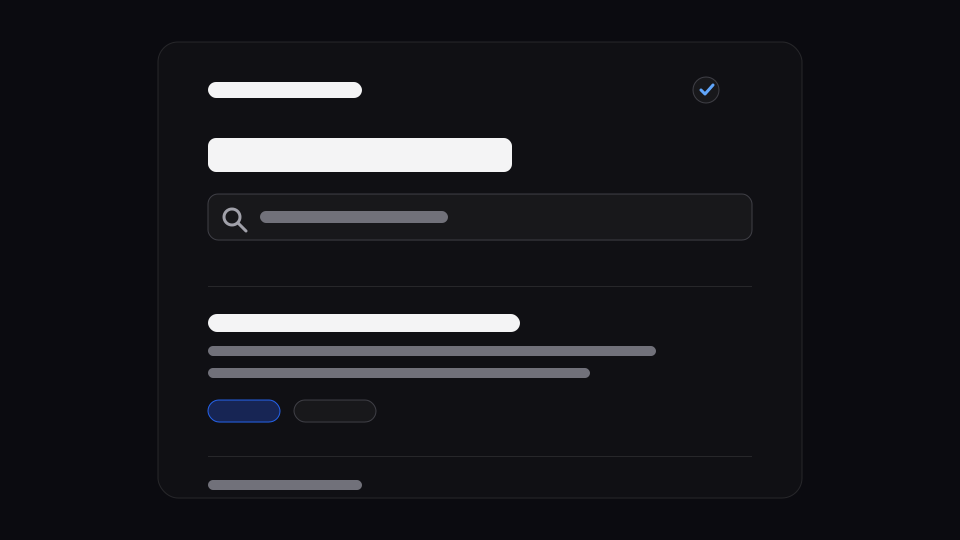
The header has a search icon. It links to the site-owned /search/ page. That keeps the package generic: Papyrus exposes the header control and search UI patterns, while the consuming site decides which index to build.
The public Papyrus site builds a Pagefind index from generated static HTML. A smaller site can still use a simple client-side filter, but the public contract stays the same: keep the search URL stable and let the site own the indexing strategy.
---
import { PapyrusBaseLayout } from "astro-theme-papyrus/components";
---

<PapyrusBaseLayout
  title="Search"
  description="Static search for posts, tags, and archive entries."
  searchHref="/search/"
>
  <p>The header search icon opens the site-owned search page.</p>
</PapyrusBaseLayout>That is the important boundary. The icon and layout affordance belong to the theme. The index strategy belongs to the site.
Part of Papyrus docs.