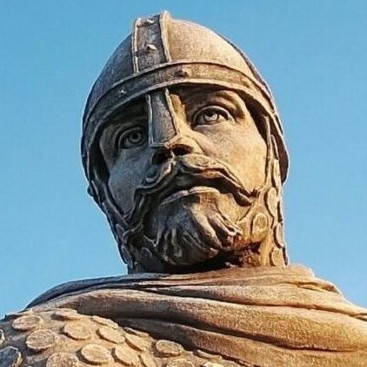
Theme-aware image effects
Configure duotone, tritone, and dithered image treatments for covers and profile photos.
Papyrus image effects are configured per image. Use them when a normal photo feels too detached from the active theme.
duotone and tritone are CSS effects. The browser keeps the original image
and recolors it with the current theme tokens, so light and dark mode switches
happen immediately. Use duotone for background and foreground colors only.
dither and dithernoise are different. Papyrus generates dark and light alpha
masks at build time, then the browser paints the active mask with a
theme-derived ink color. dither uses an Atkinson-style dot pattern.
dithernoise uses the same pattern and steps through generated noise frames.

Videos can opt into the runtime effect with the same theme ink. The video stays as normal media, and Papyrus upgrades it only when WebGL, motion, and visibility allow it.
For a post cover, set the effect in frontmatter:
cover: /images/photo.jpg
cover_effect: duotoneUse dither or dithernoise when you want a build-time mask:
cover: /images/photo.jpg
cover_effect: dithernoiseFor profile images, set the site default:
[profile.images]
effect = "tritone"Or override one profile directly:
[user]
avatar = "images/profile.jpg"
avatar_effect = "dither"The supported values are none, duotone, tritone, dither, and
dithernoise.
For content videos, use class="papyrus-video-effect-dither" on a normal
<video> element with a poster. In Markdown, use
data-papyrus-video-dither-src on a placeholder element and keep a simple link
inside it. Papyrus keeps the video or link as the fallback and uses a lazy
canvas enhancement for the dithered rendering.